Built for a basement with no signal.
The app is where the work actually happens. It is offline-first, so actions queue on the device and sync the moment a connection returns. Plant rooms and basements have no signal. The app does not care.
The app, at a glance.
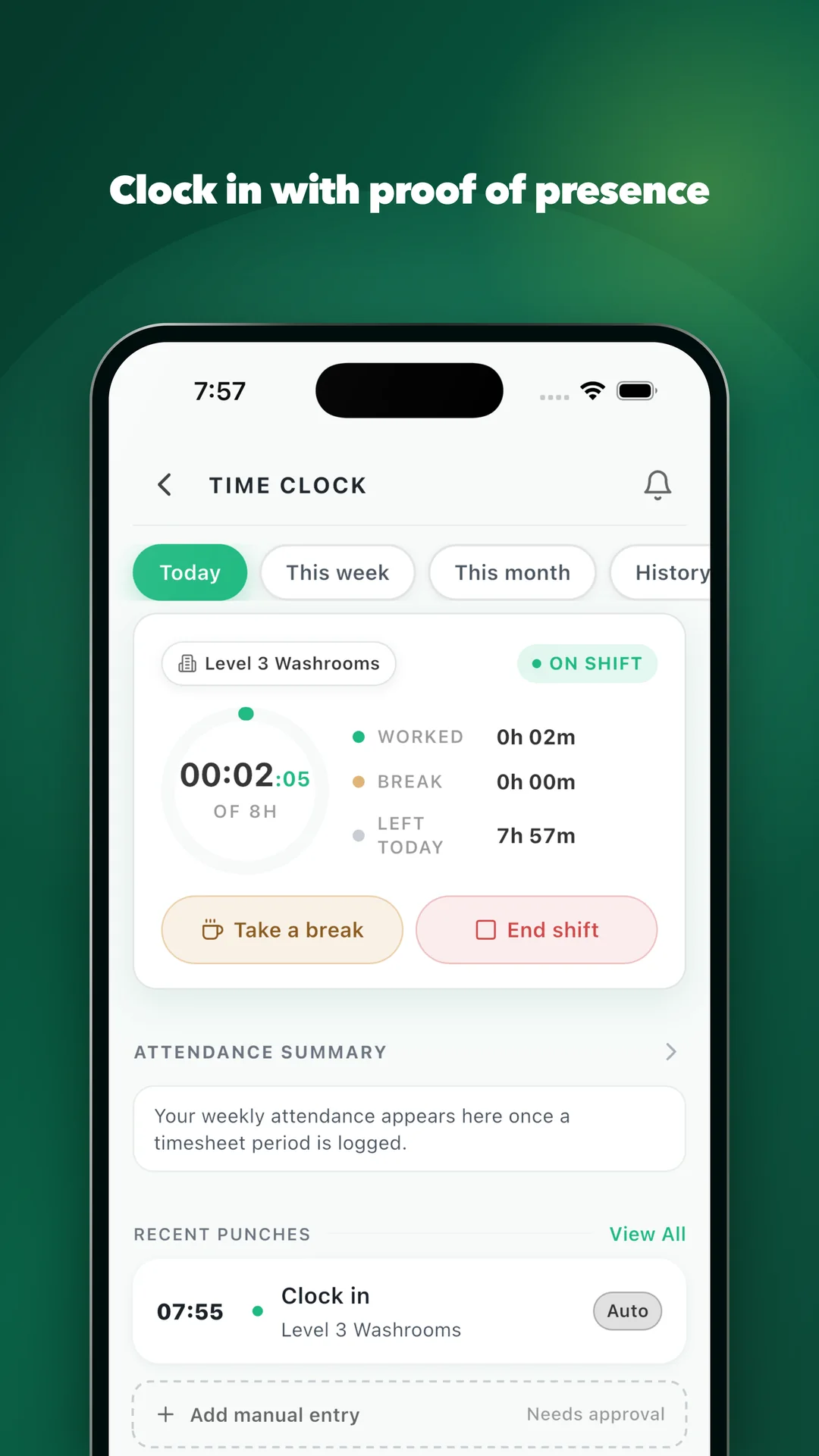
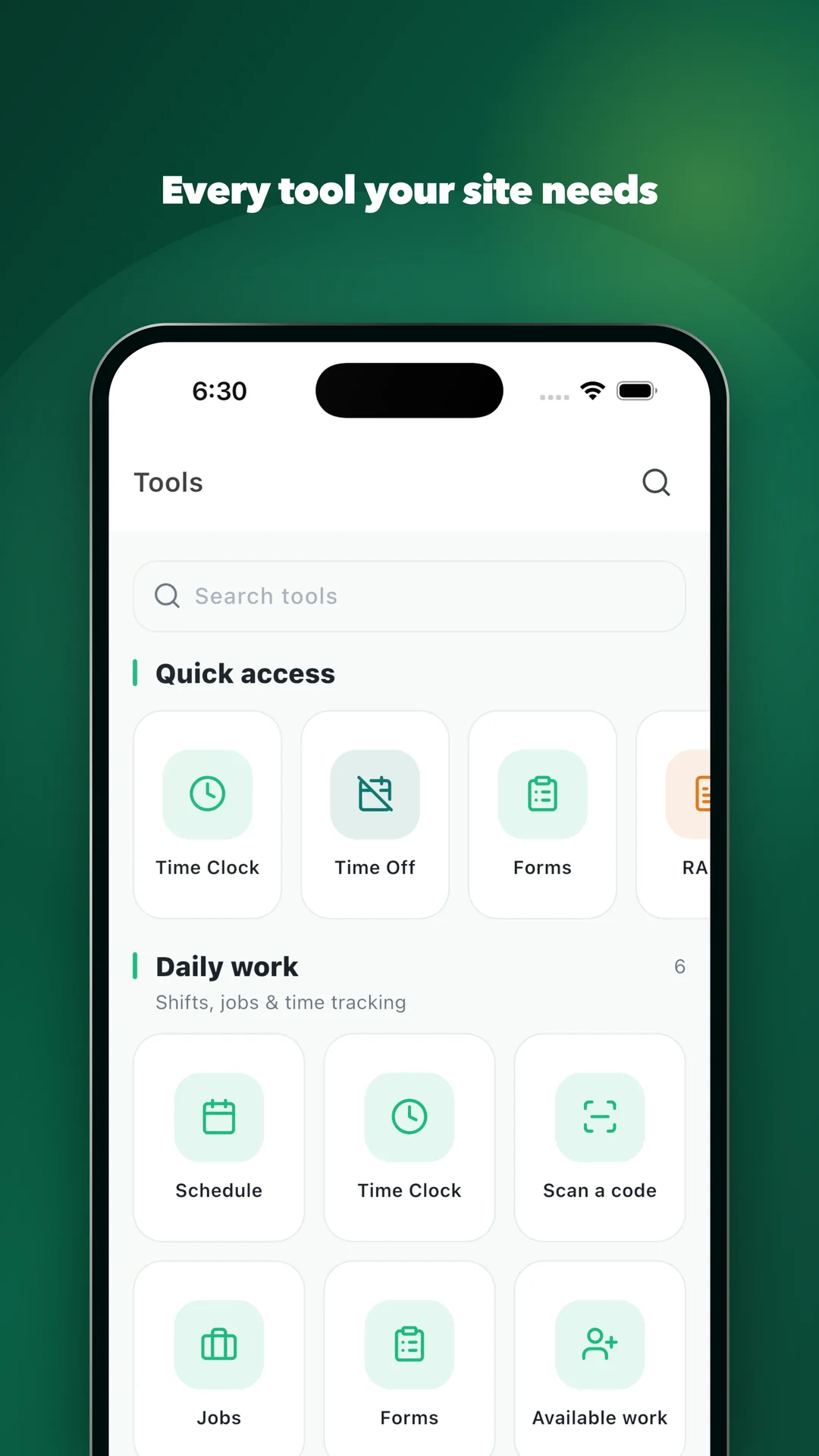
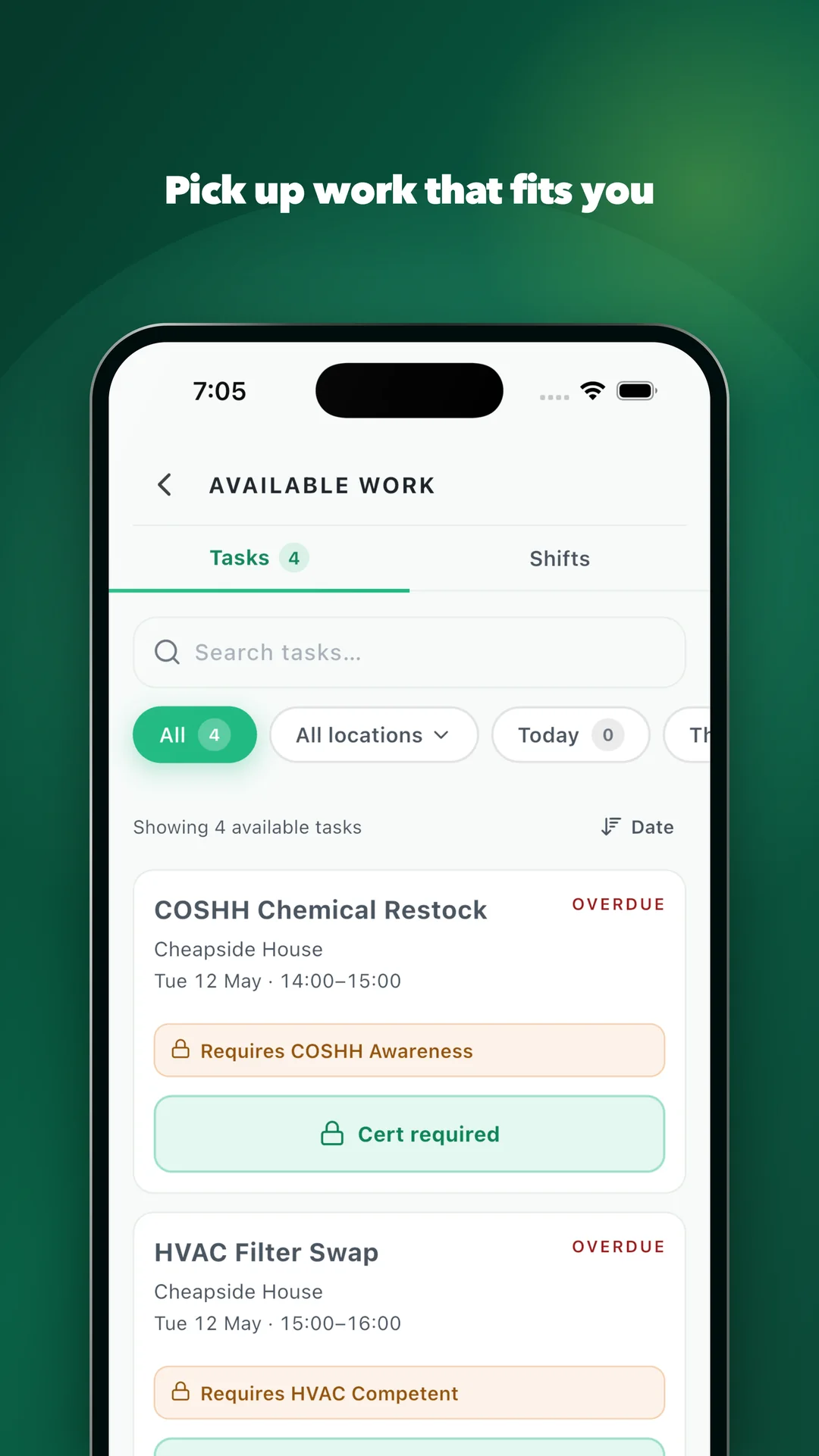
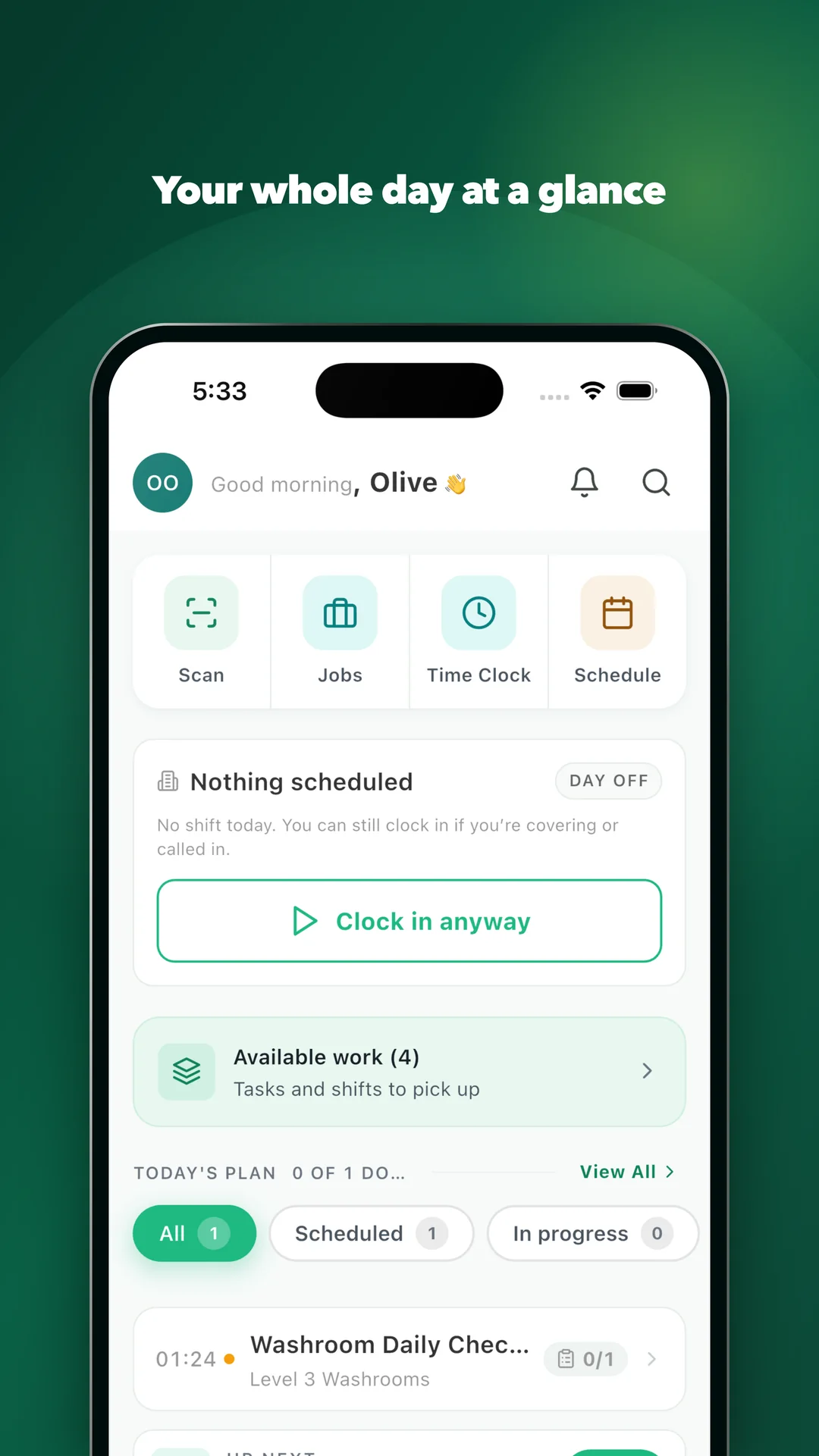
Showing screen 1 onwards, of 4
Install it and you will get as far as the sign-in screen. Operify is provisioned by the employer, so there is no public sign-up: the app only opens for someone who is on your payroll.
You add an operative on the platform, they install from the store they already use, and they sign in with the email and password you issue them. Nothing to set up per device, nothing to provision in your identity system, and nothing to buy inside the app.
 Check it out
No signal is not an exception. It is most of the shift.
A plant room has no signal, and neither does half a basement. The app does not wait for one. A clock-in, a signed method statement and a finished checklist all write to the device first and sync in order the moment a connection returns, each stamped with the time the work actually happened, not the time the phone found a bar.
A shift, end to end.
- 01Signs in with the email and password their employer issues, then Face ID or a fingerprint after that
- 02Sees today’s shift, what needs attention, and open shifts to claim
- 03Clocks in by scanning the checkpoint
- 04Works each task with its checklist and forms
- 05Signs the RAMS and COSHH before the work can start
- 06Reports an incident or an issue in seconds
- 07Sees their certifications, documents, payslips, time off, and the kudos a customer left them
Every tap is evidence.
The app is the collection layer. A clock-in is a timestamp against a scanned checkpoint. A signed method statement is a named signature against a version. A finished checklist is a record with its photographs attached.
It lands in the platform as it happens, so the monthly report is already written and an audit is a search rather than a scramble.
No training. No manual. No excuses.
The app ships in English, Polish, Portuguese, Romanian and Spanish, and an operative picks their own. They sign in with the email and password you issue them, and after the first time with Face ID or a fingerprint, so getting back in takes a second on a cold morning in gloves. The interface takes minutes to learn. Supervisors get roster administration, broadcasts, and permit and incident review from the same app.
Put it in an operative’s hand.
Bring your sites and your shift patterns. We will show you the app, and the record a shift leaves behind.